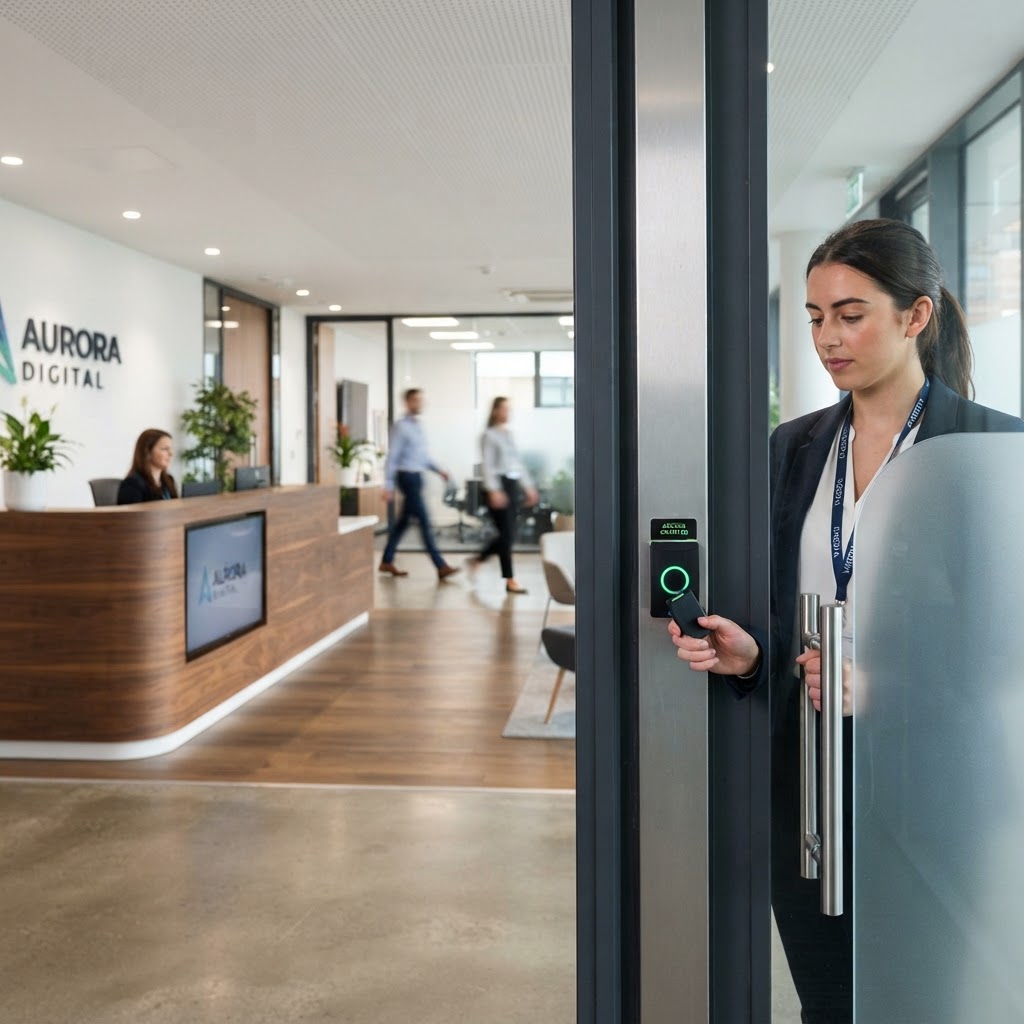
Who should be able to enter your building — and where should they be allowed to go once inside?
That sounds straightforward until an organisation has hundreds of employees, contractors, cleaners, visitors, restricted rooms, several shifts and multiple premises.
Giving every individual a completely bespoke set of permissions can quickly become difficult to manage.
Role-Based Access Control (RBAC) provides a more structured approach.
Instead of deciding every door permission separately for every person, access is assigned according to a person's role or function.
For example:
- Office Employee
- Warehouse Operative
- Facilities Team
- Cleaner
- IT Administrator
- Security Officer
- Contractor
- Senior Management
Each role receives the access permissions needed to perform that function.
When somebody joins, changes role or leaves, the organisation manages their role assignment rather than rebuilding permissions door by door.
Although RBAC is widely discussed in IT and cybersecurity, the same principle can be extremely useful in physical electronic access control.
What is role-based access control?
Role-based access control is a method of managing access by assigning permissions to defined roles and then assigning users to those roles.
The principle was formalised extensively in computer-security research and standards, but it translates naturally to commercial building access.
Instead of:
John → Door 1, Door 4, Door 7, Door 11
the system can use:
John → Facilities Manager role
and:
Facilities Manager role → Doors 1, 4, 7 and 11
If another facilities manager joins, the same controlled permission set can be assigned.
This makes access easier to understand, audit and change.
RBAC in a commercial building
Imagine a manufacturing site with:
- reception;
- general offices;
- production;
- warehouse;
- server room;
- plant room;
- HR archive;
- loading yard; and
- security control room.
Not everyone needs access everywhere.
A simple role structure might look like this:
RoleTypical accessOffice employeeMain entrance + office areasProduction employeeStaff entrance + productionWarehouse operativeStaff entrance + warehouse/loading areasFacilitiesGeneral areas + plant/maintenance roomsITGeneral areas + server/communications roomsCleanerApproved areas during defined hoursSecurityOperational security areas according to dutiesContractorSpecific temporary areas only
This is considerably easier to govern than creating hundreds of individual permission combinations.
SPS Technical view: design permissions around the job, not the person
Access control becomes difficult when permissions accumulate person by person.
A better question is: What does someone performing this role genuinely need to access?
That creates a repeatable permission model, makes exceptions visible and supports the principle of least privilege.
The principle of least privilege
A useful security principle is least privilege.
People should receive the access necessary to perform their role, but not unnecessary access simply because it is convenient.
In physical security, unnecessary permissions can accumulate over time.
For example:
- an employee starts in the warehouse;
- they temporarily support another department;
- extra doors are added;
- they change role;
- the old permissions are never removed.
After several years, their credential may open areas that have nothing to do with their current job.
RBAC can make this easier to control because the person's standard access follows their current role.
Exceptions can still exist, but they become exceptions rather than the normal method of administration.
RBAC vs discretionary access control (DAC)
Permissions are associated with roles.
Administration asks:
What should this role be allowed to access?
Discretionary Access Control
In classic computer-security terminology, DAC gives an owner or authorised subject discretion over access to an object.
In physical access-control systems, organisations do not always label their configuration "DAC". However, the useful practical comparison is between a structured role-based permission model and a more individual/discretionary permission model where access is granted person by person.
For estates managers, the lesson is not to force IT terminology onto a door system.
It is to understand whether permissions are governed through repeatable rules or have grown into hundreds of individual exceptions.
Why RBAC becomes more valuable as an organisation grows
A 10-person office may be manageable with simple permissions.
A 2,000-person multi-site estate is different.
Complexity grows through:
- new starters;
- leavers;
- promotions;
- department changes;
- contractors;
- temporary staff;
- shift changes;
- new buildings;
- restricted areas;
- lost cards;
- extended opening hours; and
- mergers or acquisitions.
Without a defined model, access permissions can become an invisible security debt.
Nobody deliberately gives people excessive access. It accumulates gradually.
RBAC provides a structure for preventing that.
Joiners, movers and leavers
One of the most useful ways to judge an access-control system is to examine what happens when someone's employment status changes.
Joiner
A new employee should receive:
- the correct identity/credential;
- the appropriate role;
- access from the correct start date;
- any required time restrictions; and
- no unnecessary inherited permissions.
Mover
When an employee changes job, their access should change with the role.
The key question is whether old permissions are removed, not simply whether new ones are added.
Leaver
Credentials should be disabled promptly according to the organisation's offboarding process.
This should not depend on somebody remembering to send an informal email days later.
For larger organisations, integration or defined workflow between HR, IT, facilities and security can significantly improve this process.
Time profiles are part of access
Access is not only about where.
It is also about when.
A cleaner may need access to office areas from 18:00 to 22:00 but not at 03:00.
A warehouse team may need access during a particular shift.
A contractor may need access for three days.
A visitor may need access only while hosted.
Good role design can therefore combine:
Role + Area + Time + Validity
For example:
Cleaning role
Office and welfare areas
Monday-Friday
18:00-22:00
This is more controlled than simply issuing a card that opens the building indefinitely.
Contractors and temporary access
Contractors are one of the easiest groups to over-permission.
A contractor may genuinely need access to:
- a plant room;
- roof;
- server room;
- loading area; or
- another restricted location.
That does not mean they need unrestricted access across the building.
Consider:
- a defined contractor role;
- limited doors;
- limited dates;
- limited hours;
- automatic expiry; and
- sponsor/host responsibility.
Temporary access should ideally expire automatically rather than relying on someone remembering to delete it later.
Access groups and security zones
Roles become more useful when the physical estate is logically structured.
Instead of thinking only in individual doors, consider security zones such as:
- public;
- staff;
- operational;
- restricted;
- high security;
- plant;
- IT;
- records; and
- security.
The system can then align job roles with security zones.
This can make access reviews much easier.
A facilities manager can ask:
Which roles have access to the server-room zone?
rather than manually reviewing every credential against every reader.
Multi-site role-based access control
RBAC becomes especially useful across an estate.
Consider an organisation with sites in Hull, Grimsby, Lincoln and Sheffield.
A regional facilities manager may need access to plant areas at all sites.
A local employee may need access only to their home location.
A regional security officer may need broader operational access.
The permission model might therefore combine:
Role + Site + Zone + Time
For example:
Facilities Manager + Northern Estate + Plant Areas + 24/7
or:
Office Employee + Hull + General Office + Working Hours
This is far easier to govern than manually selecting dozens of doors for every person.
Exceptions still matter
RBAC should not become so rigid that legitimate exceptions are impossible.
Someone may temporarily cover another site or project.
The important point is that exceptions should be:
- justified;
- approved;
- time-limited where appropriate;
- visible; and
- reviewable.
If half the workforce has permanent exceptions, the role model probably needs redesigning.
Access reviews: who can go where?
Installing access control is only the beginning.
Organisations should periodically review permissions.
Useful questions include:
- Which active users have access to high-security areas?
- Which credentials have not been used for a long period?
- Are former contractors still active?
- Are there credentials without a clear owner?
- Which users have permissions outside their role?
- Which doors have the largest number of authorised users?
- Are temporary permissions expiring correctly?
- Are there roles that have gradually accumulated too much access?
The answers can reveal weaknesses that are invisible during normal daily operation.
Audit trails and investigations
Electronic access control can create useful event records.
Depending on the system and lawful use, records can help establish:
- which credential was presented;
- at which reader;
- when;
- whether access was granted or denied; and
- system events such as forced or held doors.
These records can support security investigations and operational management.
However, they are also personal data when associated with identifiable individuals.
Organisations therefore need appropriate governance, retention and access controls.
Access control and UK data protection
Access-control records can contain information about identifiable employees, contractors and visitors.
Organisations should therefore consider UK GDPR and the Data Protection Act 2018 when deciding:
- what information is collected;
- why it is required;
- how long it is retained;
- who can view it;
- how it is secured; and
- whether it is used for purposes beyond security.
A security log should not quietly become an employee-monitoring tool without appropriate consideration.
Purpose matters.
Integrating access control with CCTV
Access-control events can provide useful context to CCTV.
For example:
Door forced
→ relevant camera presented
or:
Access denied repeatedly
→ security operator reviews the entrance
or:
High-security area accessed
→ associated event available for investigation.
Integration can improve situational awareness, but it should be proportionate and designed around a defined security purpose.
Integrating access control with intruder alarms
Access control and intruder alarms can also complement one another.
Examples include:
- authorised entry coordinating with alarm setting/unsetting;
- reducing accidental alarms;
- protecting separately alarmed areas;
- managing out-of-hours access; and
- presenting access events during an alarm investigation.
The integration should be engineered so that convenience does not undermine the integrity of the intruder alarm.
Fire safety and access-controlled doors
Security should never be considered in isolation from life safety.
Access-controlled doors on escape routes require careful design so that security arrangements do not prevent safe escape.
The precise requirements depend on the building, door, locking technology and fire strategy.
Facilities managers should ensure that access-control design considers:
- means of escape;
- fire alarm interfaces where required;
- emergency release;
- fail-safe/fail-secure requirements as appropriate;
- accessibility; and
- relevant building/fire requirements.
This is an area where coordination between fire, security and building teams is particularly important.
Card, fob, mobile credential or biometrics?
RBAC is a permission model; it does not dictate the credential technology.
Users may identify themselves using:
- cards;
- fobs;
- PINs;
- mobile credentials;
- multi-factor combinations; or
- biometric technologies where appropriate.
The credential should reflect the risk and operating environment.
Biometrics require particularly careful data-protection consideration because biometric data used for uniquely identifying a person can constitute special-category personal data.
Do not choose a credential simply because it appears more advanced.
What happens when a card is lost?
Electronic access control has an important advantage over conventional keys: a lost credential can usually be disabled without changing every lock it could access.
A good lost-credential process should:
- verify the report;
- disable the credential promptly;
- review suspicious recent events if justified;
- issue a replacement;
- retain appropriate audit information; and
- ensure the old credential cannot be reused.
Role-based permissions then allow the replacement credential to inherit the correct controlled access without rebuilding it manually.
Taking over an existing access-control system
An inherited system can contain years of accumulated permissions.
Before replacing it, establish:
- platform and version;
- controller hardware;
- reader technology;
- credential type;
- active users;
- access groups;
- time profiles;
- administrator accounts;
- integrations;
- database/backups;
- licensing;
- unsupported hardware;
- cybersecurity considerations;
- door condition;
- fire interfaces; and
- documentation.
A takeover is also a good opportunity to perform an access-permission review.
Technology may be serviceable while the permission structure needs significant improvement.
SPS Technical view: clean the data before blaming the hardware
An access-control system can appear difficult to manage because years of users, groups and exceptions have accumulated.
Replacing the platform without reviewing that data can simply migrate the same problem into a newer system.
A takeover should assess both the hardware and the access model.
Access-control checklist for facilities managers
- Security zones defined
- Roles defined around genuine job requirements
- Least privilege applied
- Joiner process documented
- Role-change process removes old access
- Leaver credentials disabled promptly
- Contractor access time-limited
- Temporary permissions expire
- High-security access separately controlled
- Time profiles used where appropriate
- Exceptions approved and visible
- Periodic access reviews scheduled
- Administrator permissions restricted
- Lost credential process defined
- Access logs appropriately protected
- Data retention justified
- CCTV/intruder integration purpose defined
- Fire/escape implications reviewed
- System lifecycle and support understood
Commercial access control across Yorkshire, Lincolnshire and the Humber
SPS Technical supports commercial organisations with electronic access control across Yorkshire, Lincolnshire and the Humber, including Hull, Grimsby, Lincoln, Sheffield and South Yorkshire.
Our technical security capability includes access control, CCTV, intruder alarms, system integration, maintenance and takeovers.
For an existing estate, the first step may not be replacing readers.
It may be understanding:
Who currently has access to what — and why?
From there, the organisation can decide whether the existing system can be rationalised, upgraded or replaced.
If your access-control permissions have grown difficult to manage, SPS Technical can review the existing platform, door estate and access structure before recommending the next step.
Frequently asked questions
What is role-based access control?
Role-based access control assigns permissions to defined roles and then assigns users to those roles. In a building, an employee can therefore receive access according to their job function rather than having every door permission configured individually.
What does RBAC stand for?
RBAC stands for Role-Based Access Control.
What is the difference between RBAC and DAC?
RBAC assigns permissions according to roles. Discretionary Access Control is an information-security model in which authorised owners or subjects can control access to objects. In physical access control, the more practical comparison is often between structured role-based permissions and large numbers of individually assigned permissions.
Can RBAC be used for physical door access?
Yes. The principle works well in electronic physical access-control systems by using access groups, security areas and time profiles aligned with job roles.
Why is least privilege important?
Least privilege reduces unnecessary access. Employees receive what they need for their role rather than accumulating permissions as jobs and responsibilities change.
Can access control integrate with CCTV and intruder alarms?
Yes. Proper integration can provide context around door events, improve investigations and coordinate authorised entry with alarm systems. Integration should be designed around a defined operational requirement.